Oexta Booth for Windows
Free · install now and every feature in this version stays free for you
Smile. Print.
Scan to take it home.
Photo booth software for weddings, parties, schools and company events. Any Windows PC or tablet with a webcam becomes a booth your guests understand in one tap.
See how it works
Coming soon to Microsoft Store
For guests
Tap, smile, done.
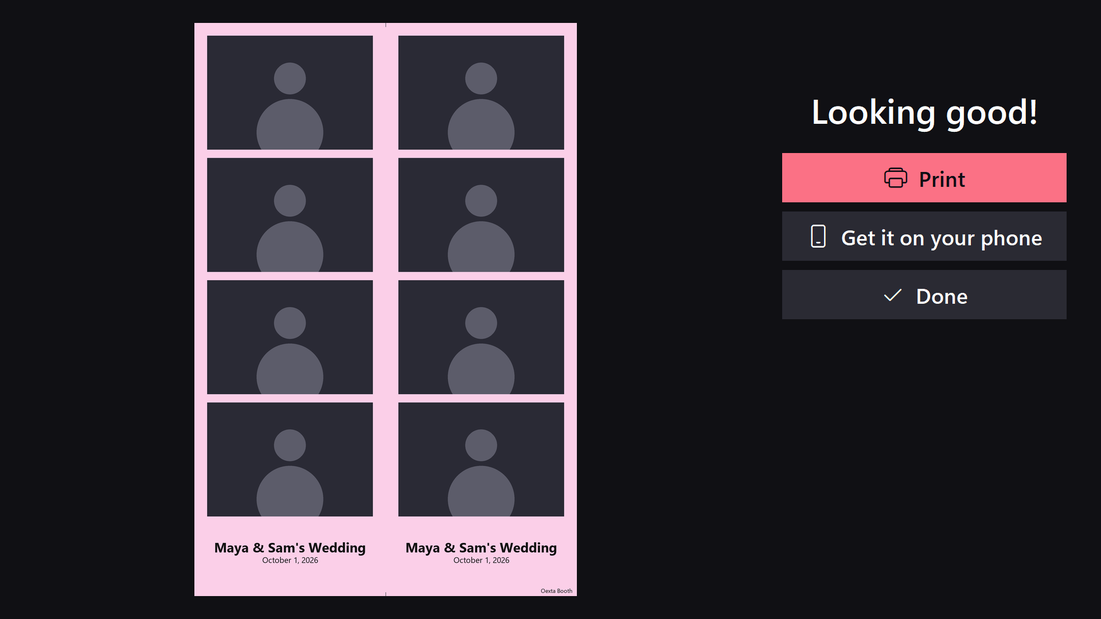
- Full-screen “Tap anywhere to start” with a big 3-2-1 countdown and flash
- 1 to 4 photos per session, with an animated GIF of every session
- Big, friendly buttons: Print, Get it on your phone, Done
For the host
Set up in a minute.
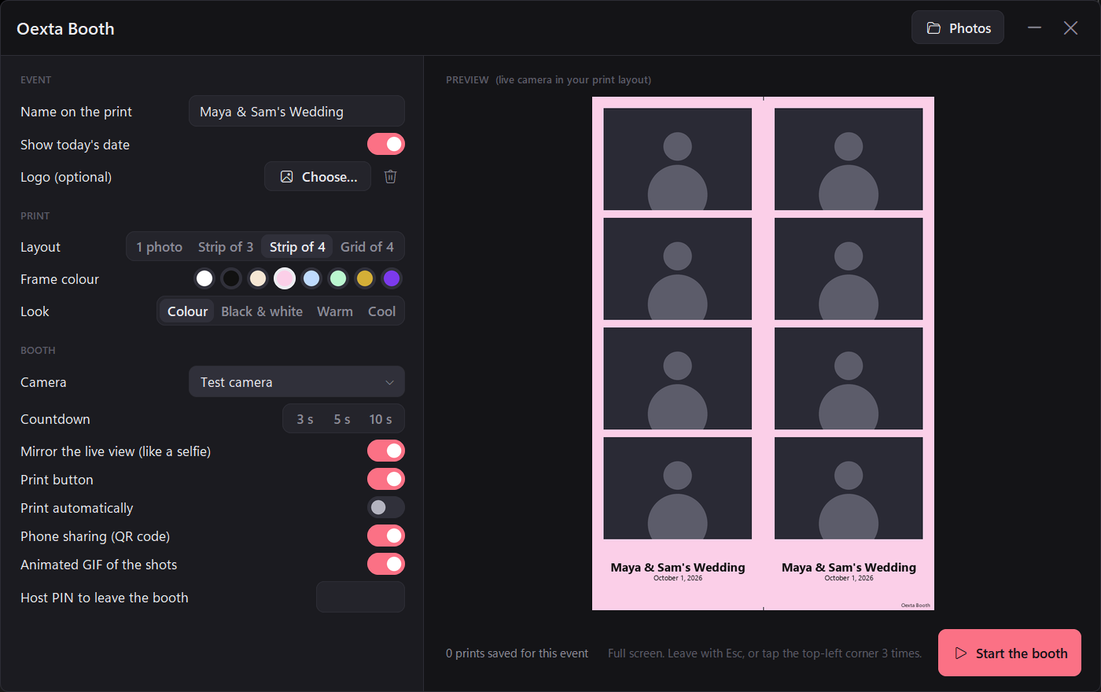
- Classic 2×6 strips (two per 4×6 print), single 4×6 photos or 2×2 grids
- Event name, date and your logo; frame colours; colour, black and white, warm or cool
- One-tap or automatic printing, and a host PIN to keep guests in the booth
- Every print, GIF and original saved in Pictures, one folder per event
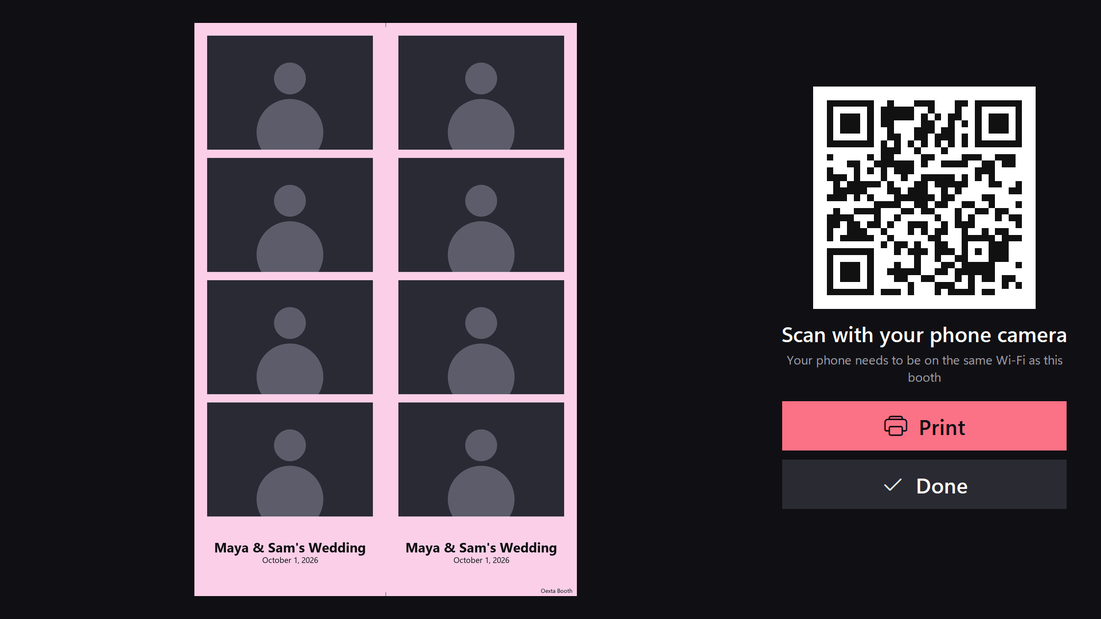
QR sharing without the internet
Guests' phones download straight from the booth over the venue Wi-Fi. No app, no account, nothing uploaded.
Any camera
Built-in webcams, USB webcams and capture cards all work.
Your photos stay yours
Everything is saved on your PC. No ads, no tracking. Privacy policy
Requirements
Windows 10 (version 2004) or Windows 11, 64-bit, and a camera. A printer and Wi-Fi are optional. Questions? support@oexta.com